
"Should we have an AI chatbot?" is a fair question, and the honest answer is that it depends on what your customers ask you and whether you have good answers written down.
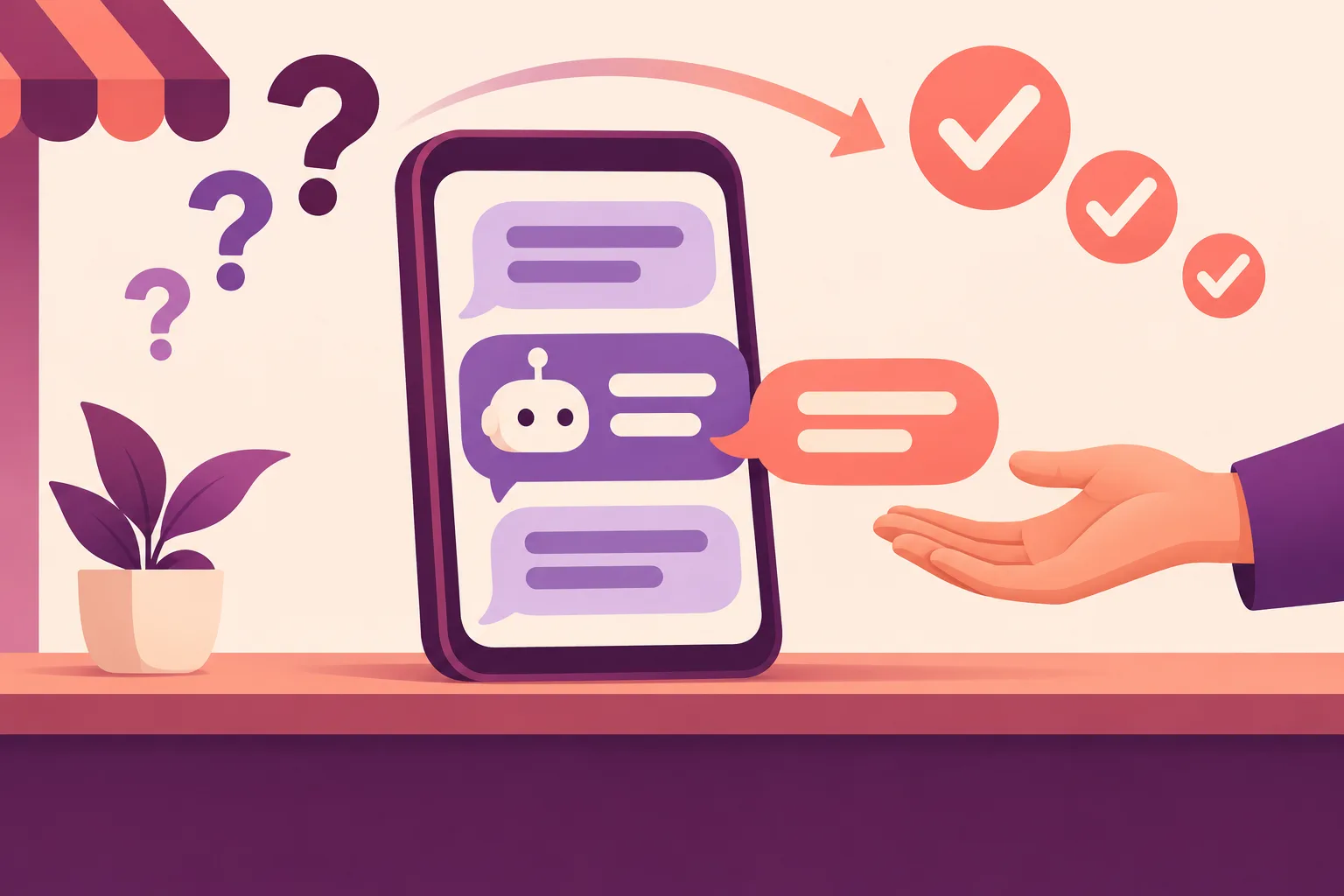
A well-built chatbot can answer routine questions at any hour, collect the details your team needs, and pass the conversation to a person when it should. A poor one does the opposite. Scripted menus and bots that invent answers do more harm than good, especially when customers cannot reach a person.
Here are six checks worth making before you commit to one. They follow the same ground we cover when we scope a chatbot, and the same approach sits behind the AI chat in our own Sankofa Digital Heritage Library, where readers can ask questions of a collection of hundreds of stories.
1. Count your repeat questions
A chatbot earns its place on questions that come up again and again. Opening hours, delivery times and order status are the classic examples. If those fill your team's day, there is little time left for the conversations that need a person.
So start with a tally. For two weeks, ask whoever answers your messages to note what each one was about. Then sort the results:
| Usually a good fit | Usually a poor fit |
|---|---|
| Hours, locations and contact details | Complaints and disputes |
| Delivery times and policies | Anything sensitive or personal |
| Product or service questions with set answers | Questions that need judgement on the case |
| Collecting details for a booking or quote | High-value sales conversations |
Order status is a special case. It only works if the assistant can look up the order, which means connecting it to the system that holds it.
What you can use: if a handful of questions do not make up a large share of your tally, a chatbot should not be your first step. A better FAQ page or a set of saved replies may do the job.
2. Check that the answers are written down
A good assistant does not answer from general knowledge of the world. It answers from a knowledge base built from your own FAQs, policies, product data and documents, so it works from facts you control.
That makes your written content the real raw material. If your delivery policy lives in one person's head, or three documents disagree about your returns, the assistant has nothing reliable to work from.
What you can use: take your ten most common questions from the tally and write a clear, agreed answer to each. This is useful whether or not you ever build a chatbot, and it shows you how much work the knowledge base will be.
3. Look at where and when messages arrive
Your tally can tell you two more things: the channel and the time. A chatbot can run on WhatsApp Business, your website and Facebook Messenger, with one assistant and one knowledge base behind them so that answers stay consistent.
Timing matters as much. Customers message at night and at weekends, and by the time someone replies, many may have gone elsewhere. An assistant can answer in those hours, and it can also collect names, needs and contact details or book an appointment, then pass them to your team or CRM for the morning.
What you can use: note how many of your messages arrive outside working hours. If nearly all of them arrive while your team is at work and keeping up, the case for a chatbot rests on saving time alone.
4. Decide what it must never handle
Before we build an assistant, we decide what it should and should not handle. This is a business decision, not a technical one. Questions that are sensitive or complex should go to a person, and so should anyone who asks for one.
What you can use: write a short list of topics that always go to a human, and name who receives them. If nobody is available to take those hand-offs, sort that out first. A hand-off that leads nowhere is worse than no chatbot.
5. Make sure it can say "I don't know"
This is the check that separates a useful assistant from a risky one. When ours cannot answer, it says so, collects the customer's details and hands the conversation to your team with the full history. It is built not to guess when it is unsure.
What you can use: whichever supplier you speak to, ask to see what happens when someone asks a question that is not in the knowledge base. Then ask to test it against real questions from your tally, not a prepared script.
6. Plan for life after launch
A chatbot is not finished on launch day. We review conversations weekly after launch and improve the answers based on what customers actually ask. Every conversation is logged and searchable, and the questions the assistant could not answer are highlighted, so you can see where the gaps are. An admin screen lets you correct the knowledge base yourself, and the assistant uses the change as soon as you save it.
Two practical questions belong here too. On data, we use commercial AI services whose terms exclude your data from model training, and we send the model only what each task needs. On cost, running costs depend on volume and the model used, so we estimate them during discovery and build in cost tracking.
What you can use: name the person who will own the knowledge base after launch, and ask any supplier for their answers on data and running costs in writing.
Thinking about a chatbot?
If your tally shows plenty of repeat questions and you have good answers to them, a chatbot is worth a serious look. A typical build takes three to six weeks, and it starts with your most common questions and channels.
Tell us what your customers keep asking and we will give you a straight view on whether a chatbot is the right step. You can read more about AI chatbot development and our wider AI development work, or see how the AI chat fits into the Sankofa Digital Heritage Library.